1.Open Workspace in which you have your report that needs to be added in the app.
2.Click on update app

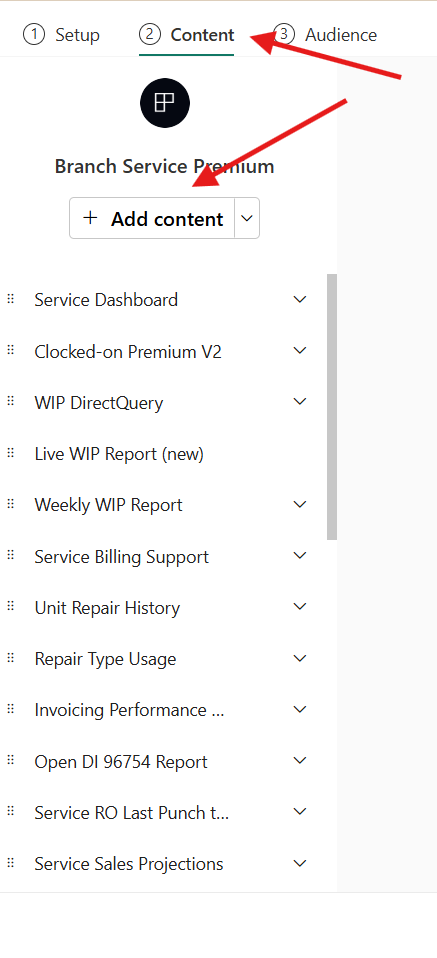
3.Switch to content and click on add content
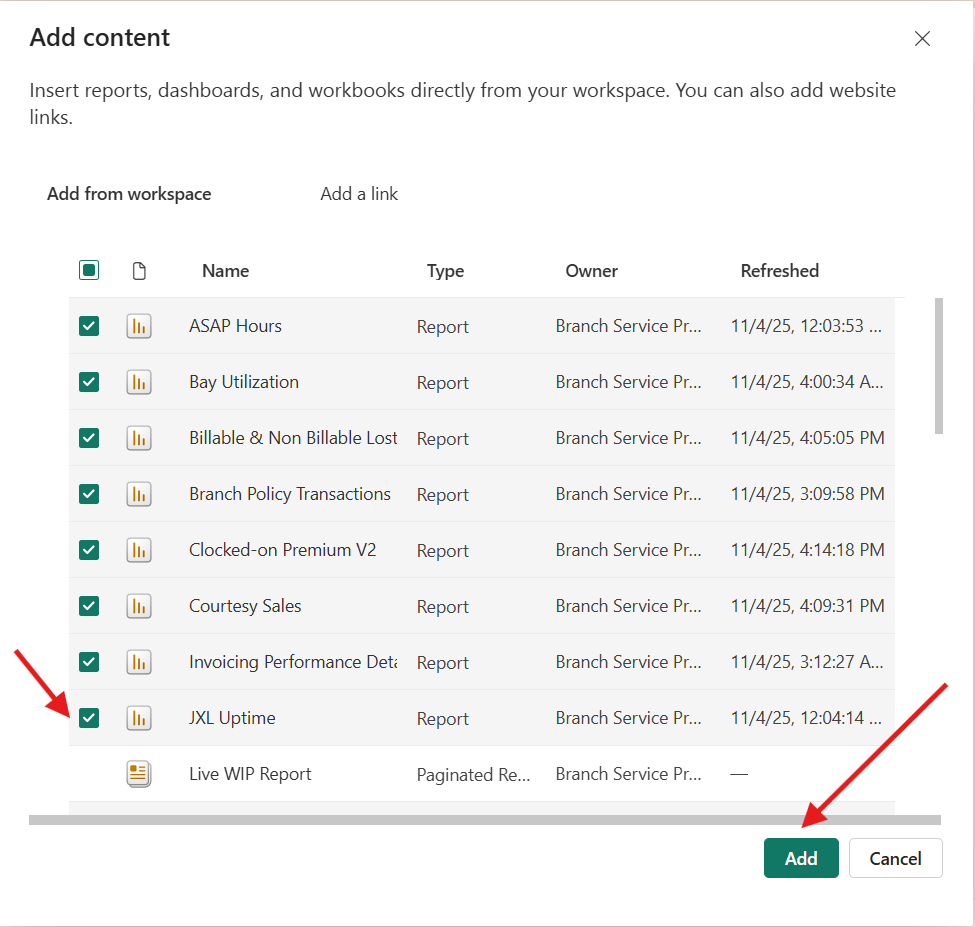
4. select the box next to your report and click on add
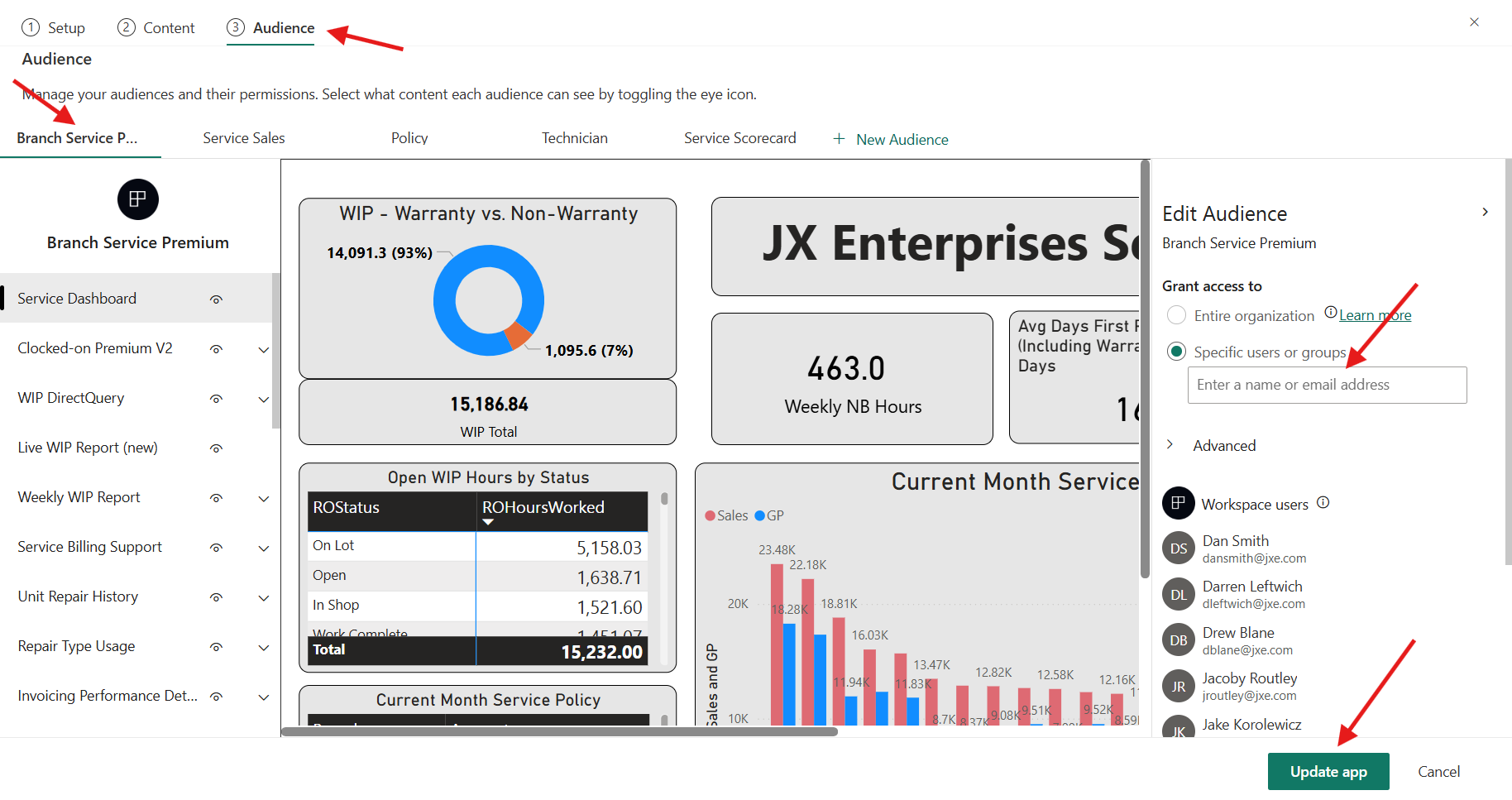
5. In audience section you can select by clicking on the eye icon to determine who should view your report
6. Under edit audience you can add your audience.
7. Click on Update app