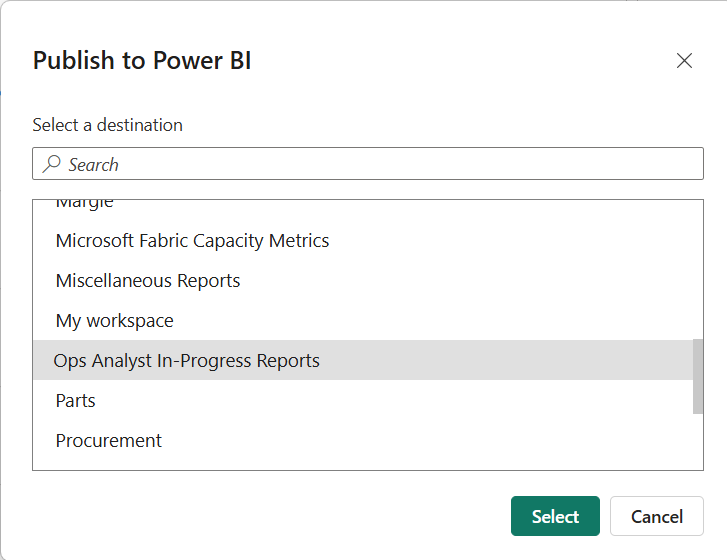
In Power Bi on Home Page Click on Publish

Select the workspace in which you want to publish your report
Click On ‘SELECT” Button
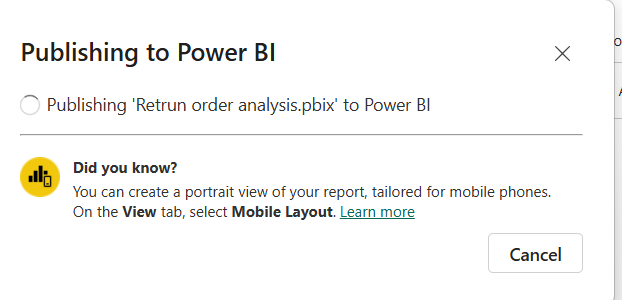
This the screen you are going to see, once your report is published in the workspace
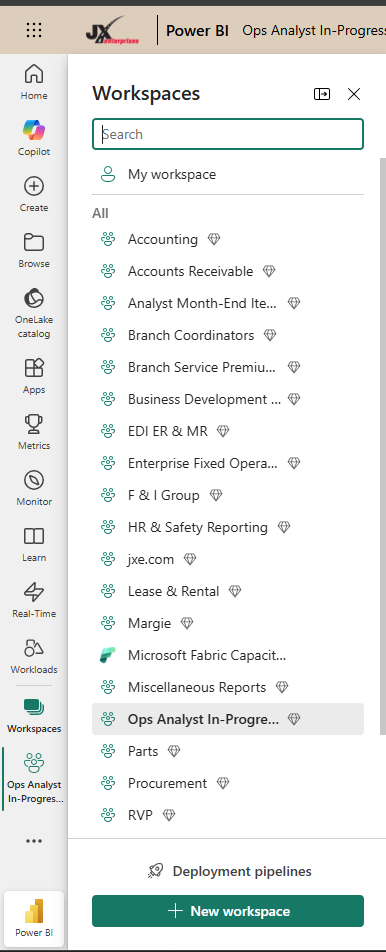
Open Power Bi Services in web browser
Click on the workspace
Select the workspace in which you have published your report
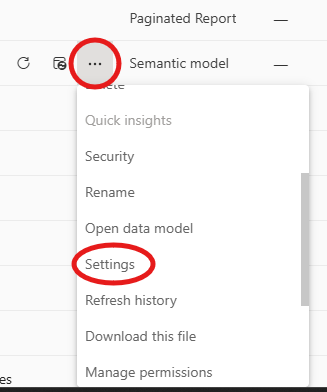
Look for your report And click on the 3 dots on the reports semantic model
Click on settings
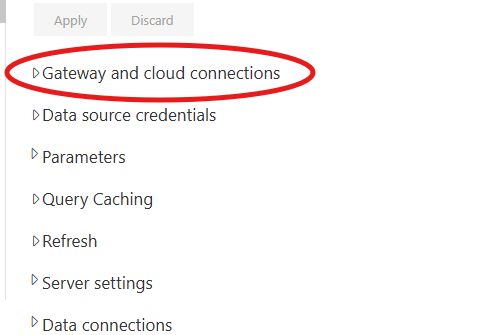
Select gateway and cloud connections
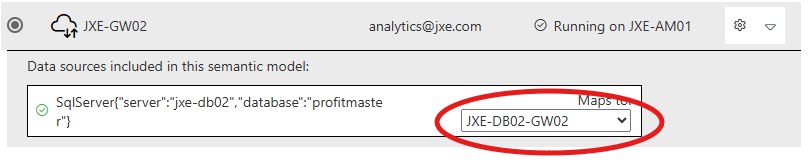
Map it to the Gateway Connection
Click on the Refresh and set Refresh time
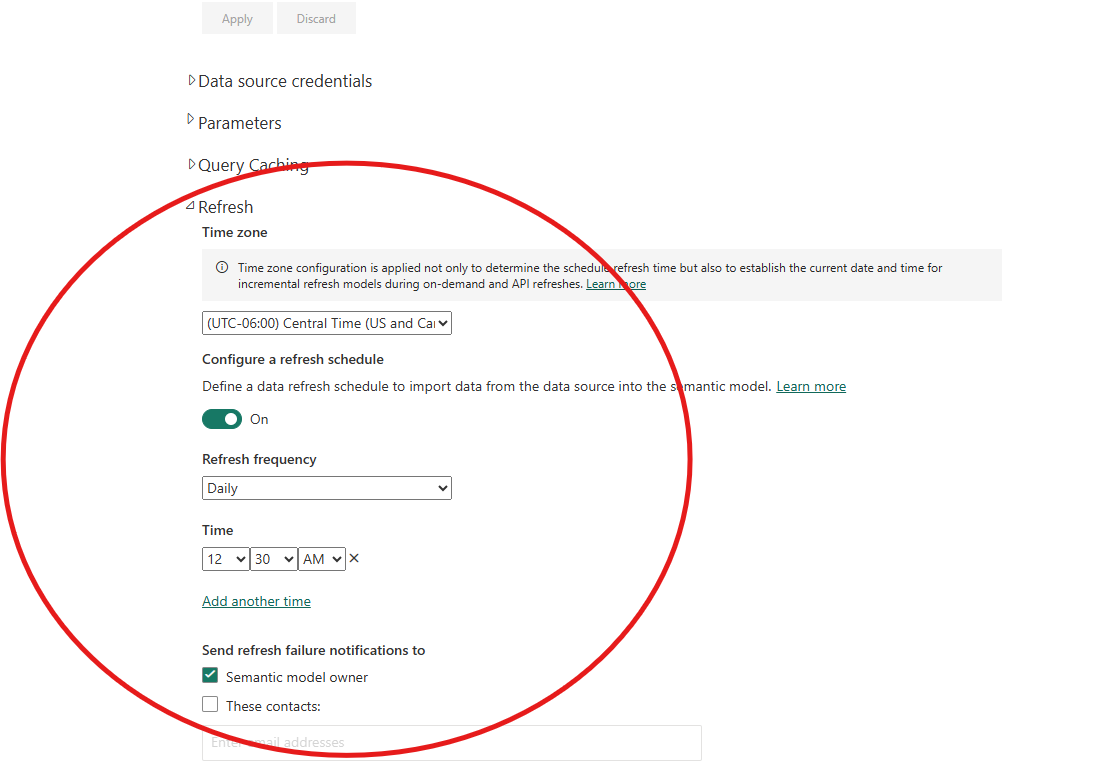
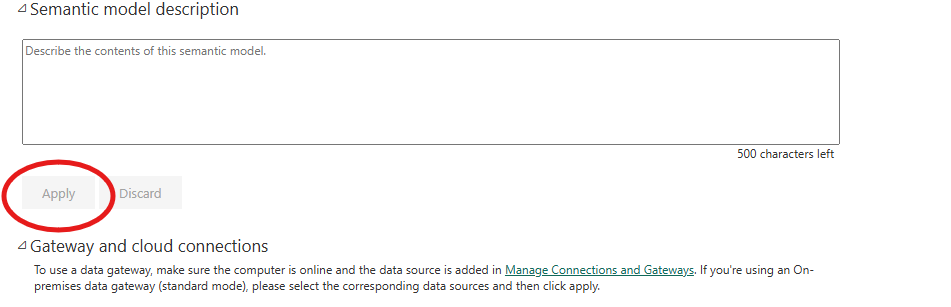
Click on Apply